Guide
How saving works in GTA 6
You can’t save during missions and there’s no mission replay, so your save habits matter more in GTA 6 than in any GTA before it. Here’s the whole system in two minutes.
How to save manually
Open the pause menu, go to Game, then Save Game and pick a slot. You can do it anywhere in the open world as long as no mission is running. You get 15 manual save slots, so there's room to keep more than one safety copy.
How autosave works
Autosave is on from the start and writes to its own separate slot - it never overwrites your manual saves, and each new autosave replaces the last one. Treat autosave as crash protection, not as your real checkpoint: keep the moments you care about in manual slots.
You can't save during missions
Manual saving is blocked for the whole length of an active mission. If a job can go wrong - a heist, or a story mission with a big choice in it - make a manual save in a spare slot before you start.
There is no mission replay
GTA 6 has no menu for replaying a mission you've finished. The only way back to a moment is a save made before it. A simple habit that costs nothing: start a fresh manual slot at the start of each chapter and leave it alone.
Quick answers
- Does autosave overwrite my manual saves? No. Autosave has its own slot.
- How many save slots are there? 15 manual slots, plus the separate autosave slot.
- Can I replay a mission? No - load a save from before it instead.
Sources: KeenGamer, Games.gg, GamesRadar and Push Square (cheat rules). Last checked November 19, 2026.
What players are buying
Popular with GTA 6 players
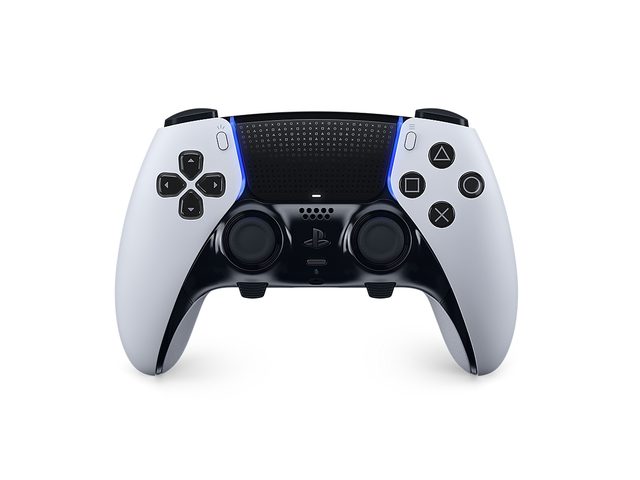 DualSense Edge controllerBack buttons you can map, so your thumbs never leave the sticks in a chase or a shootout.Check price on Amazon →
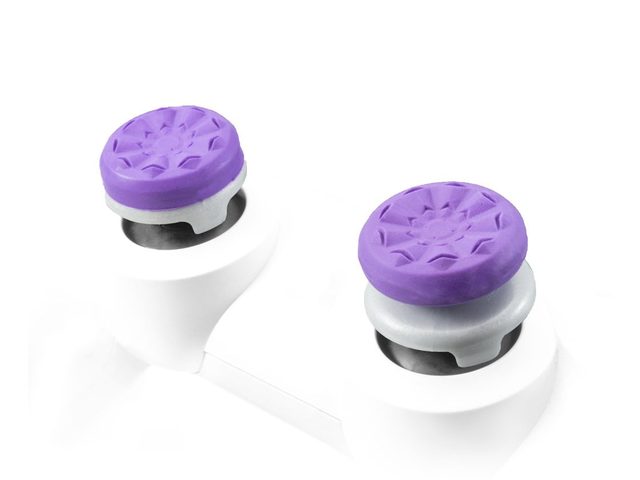 KontrolFreek FPS Freek GalaxyTaller thumbsticks give you finer aim and better grip. The cheapest upgrade for free-aim.Check price on Amazon →
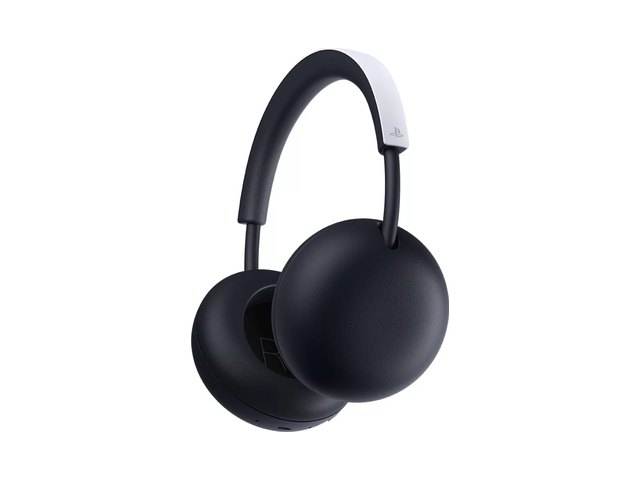 PlayStation Pulse wireless headsetSony's newest PS5 headset. 3D audio, a noise-cutting mic, and earcups that fold flat.Check price on Amazon →
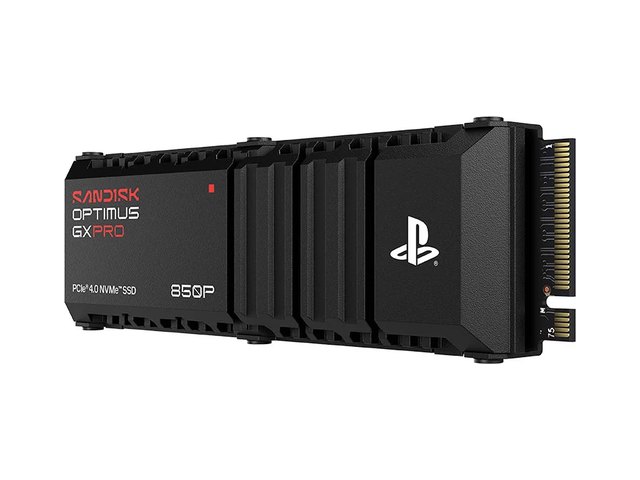 Sandisk Optimus GX PRO 850P 2TBGTA 6 needs 212 GB. The officially licensed PS5 drive, heatsink built in.Check price on Amazon →
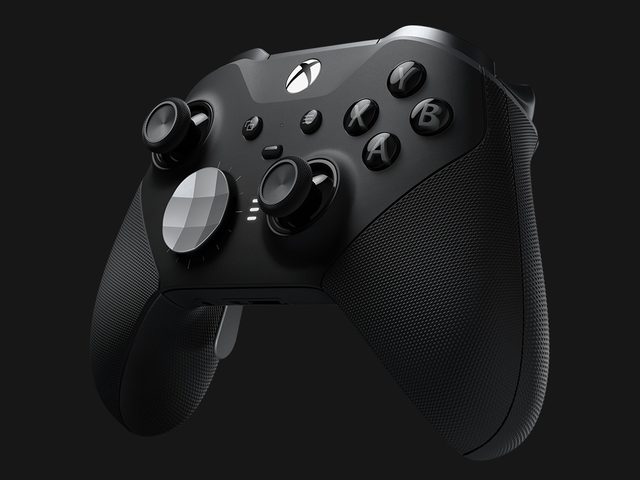 Xbox Elite Series 2 controllerBack paddles you can map, so your thumbs never leave the sticks in a chase or a shootout.Check price on Amazon →
- KontrolFreek FPS Freek GalaxyTaller thumbsticks give you finer aim and better grip. The cheapest upgrade for free-aim.Check price on Amazon →
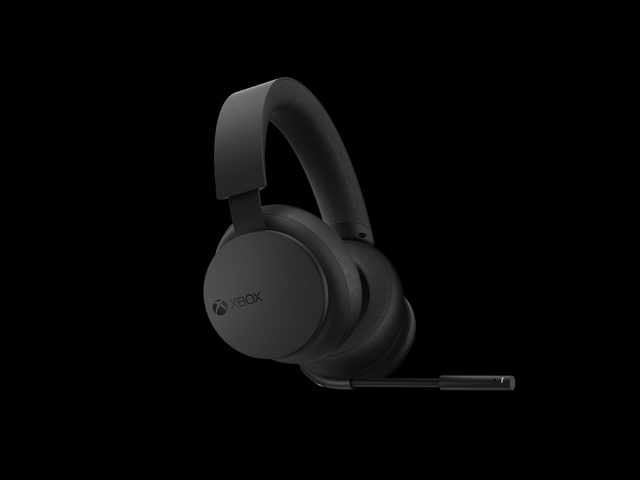 Xbox Wireless HeadsetMicrosoft's own headset. Pairs straight to the console with no dongle.Check price on Amazon →
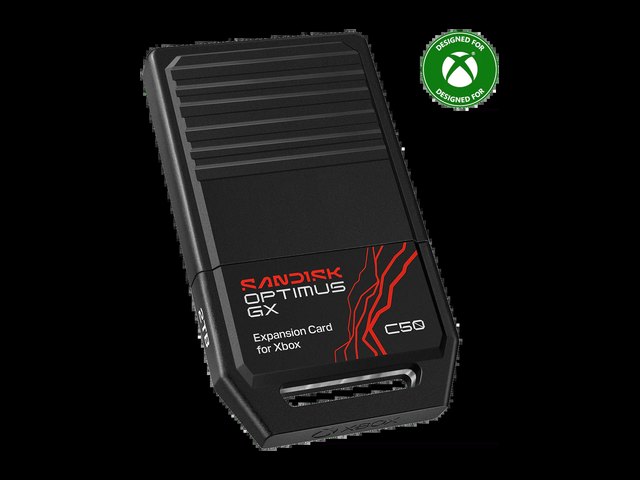 Sandisk Optimus GX C50 2TB cardGTA 6 is huge. The officially licensed plug-in card runs it as fast as the console's own drive.Check price on Amazon →
As an Amazon Associate, GTA 6 Group Chat earns from qualifying purchases. It costs you nothing extra. Product photos: Sony Interactive Entertainment, Microsoft, Sandisk and KontrolFreek.